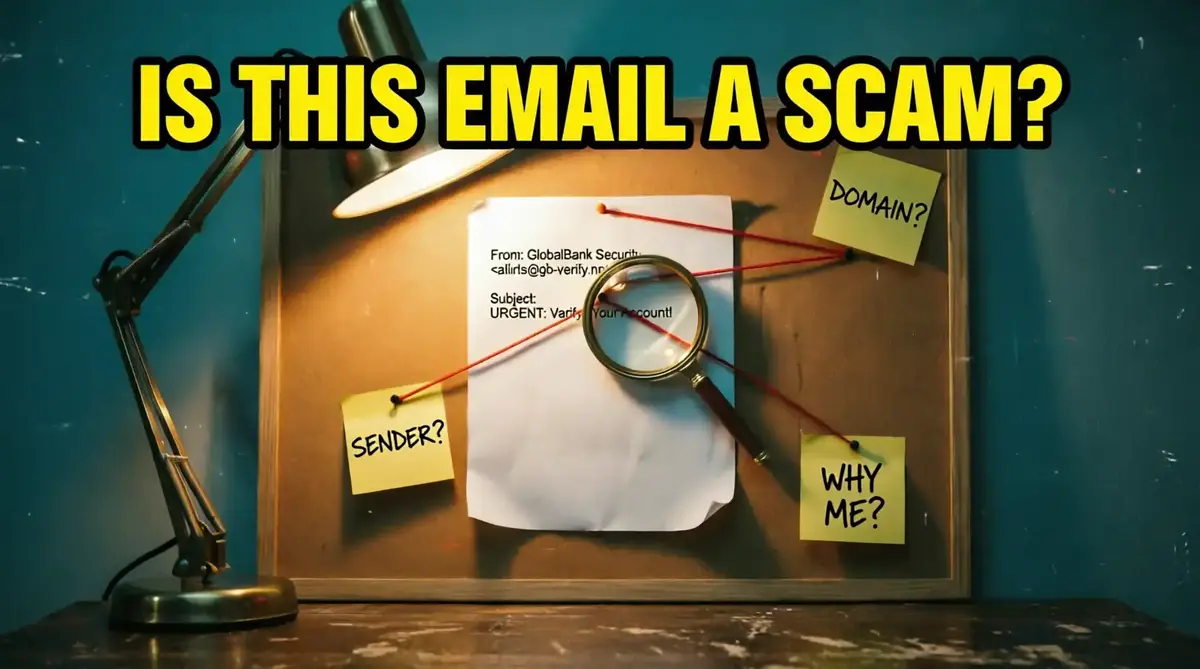
Is This Email a Scam? How to Tell if an Email Is Fake
The email looked normal. The sender looked familiar. Nothing immediately screamed "scam."
It was the kind of email most people would open without thinking twice.
Familiar company name. Clean formatting. A short message. A request that, at first glance, didn't seem unreasonable.
There was only one problem.
We couldn't explain why the email had arrived.
That was enough.
We didn't click the button. We didn't reply. We didn't try to "see what happens."
We started investigating.
Don't ask only: "Does this email look real?"
Ask: "What evidence proves that it is real?"
That small change in thinking can completely change how you handle suspicious messages.
The Problem With Emails That Look Fake
Some scam emails are easy to spot.
The message is full of strange grammar. The sender address looks ridiculous. The request makes no sense.
Those are the easy cases.
The difficult emails are different.
They borrow familiar names, familiar language and familiar situations. They are designed to survive the first few seconds of attention.
And that creates a dangerous habit: people judge the message by appearance instead of evidence.
A professional-looking email is not proof of a professional sender. Design can be copied. Names can be copied. Logos can be copied. Context is harder to fake.
Clue #1: Why Did You Receive This Email?
This is where our investigation usually begins.
Not with the logo.
Not with the button.
With the question: Why me?
Suppose an email says there is a problem with a delivery. Did you actually order something?
A payment notification arrives. Do you recognize the transaction?
A service says your account needs attention. Do you even have an account with that company?
These questions sound almost too simple.
But they are powerful because scammers can imitate a company. They can imitate a message. They can imitate urgency.
They cannot change the reality of your relationship with that company.
If the email describes an event that never happened to you, stop and investigate before doing anything else.
Clue #2: The Sender Name Is Not Enough
Here's where the investigation gets more technical.
Your inbox might show:
It looks official.
But the display name is simply a label.
The actual sender address is much more useful.
Open the sender details and examine the complete address. Look at the domain, not just the name displayed beside the message.
A tiny difference can matter.
Sometimes the address belongs to an unrelated domain. Sometimes the domain is designed to resemble a legitimate organization. Sometimes the address simply makes no sense for the company being claimed.
None of these details should be ignored.
Don't trust the name your inbox shows you. Investigate the identity behind the name.
Clue #3: What Exactly Does the Email Want?
Now we read the request carefully.
Is the sender asking you to sign in? Confirm something? Change information? Make a payment? Approve an activity? Reply with personal details?
The action itself doesn't automatically make an email fraudulent.
What matters is whether the request makes sense in context.
If you didn't initiate anything, why are you being asked to confirm it?
If the company normally handles this through its official app, why is an unexpected email suddenly asking you to do it another way?
If I ignore this email completely, can I verify the same issue through the company's official website or app?
If the answer is yes, that's exactly what you should do.
Clue #4: The Email Wants You to Hurry
Urgency is one of the oldest tricks in the scammer's toolbox.
But there's an important distinction.
Urgency does not prove that an email is a scam.
Real companies send urgent messages too.
The problem begins when urgency is combined with an unexpected request and an instruction that prevents you from checking the situation calmly.
The message may tell you that something will happen if you don't act immediately.
Your account could supposedly be suspended. A payment could supposedly fail. A security issue could supposedly become worse.
The objective is to shorten your thinking time.
If the email becomes less convincing the moment you give yourself time to verify it independently, that pressure was part of the problem.
Clue #5: Leave the Email
This is perhaps the most important step in the entire investigation.
If an email claims there is a problem with your account, don't use the email to investigate the account.
Leave it.
Open a new browser window. Type the company's website address yourself, use a trusted bookmark, or open the official app.
Then check whether the supposed problem actually exists.
If the email says there was a suspicious login, check your account directly.
If it says a payment failed, check your account or payment history directly.
If it says your subscription is expiring, check the service directly.
Never let a suspicious email be the authority that tells you how to verify itself.
What About the Technical Evidence?
Email contains information that isn't always visible in the message itself.
Depending on the email service, message headers and authentication results can provide additional clues about how the message was sent and whether certain technical checks passed.
That's useful evidence.
But it isn't a magic "real or fake" button.
Technical checks are one part of the investigation. Context, sender identity, the requested action, and independent verification still matter.
A message can contain technical signals that look normal and still be deceptive. Treat technical information as evidence—not a guarantee.
Put the Evidence Together
By this point, we aren't looking for one dramatic red flag.
We're looking at the entire picture.
| Evidence | Question to Ask |
|---|---|
| Sender name | Who is actually behind the displayed name? |
| Email address | Does the domain make sense for the claimed organization? |
| Context | Why did this message arrive? |
| Request | Does the requested action make sense? |
| Urgency | Am I being pushed to act before I can think? |
| Independent verification | Can I confirm the issue without using this email? |
Have an Email You Don't Trust?
If you're still unsure, let SafeCheck take a second look at the message before you decide what to do.
CHECK THIS EMAIL →The goal isn't to replace your judgment.
It's to give you another layer of analysis when the evidence isn't obvious.
When You Want to Understand the Trap
Sometimes you don't just want to know whether one email is suspicious. You want to understand how these messages are built in the first place.
That's where deeper knowledge becomes useful.
The Phishing Trap goes beyond the quick investigation and explores the deceptive techniques behind phishing emails and malicious links, along with practical ways to recognize them before they become a problem.
The Phishing Trap
A practical deeper look at deceptive emails, fake links, and the techniques scammers use to make a dangerous message feel trustworthy.
EXPLORE THE BOOK →The Email Wasn't the Evidence
We went back to the message that started the investigation.
The logo still looked right.
The writing still looked professional.
The sender name still looked familiar.
But after examining the context, the sender, the request and the way the message tried to control the next step, the picture had changed.
The biggest clue wasn't something hidden in the design.
It was the fact that the email wanted us to trust it before we had verified it.
Don't ask whether an email looks real.
Ask what proves that it is real.
That question takes a little more time.
But when an email is asking for your money, your account, or your personal information, a few extra seconds are cheap insurance.
A convincing email is not automatically a legitimate email. Pause. Check the evidence. Verify independently. And when you're still unsure, don't guess—investigate.