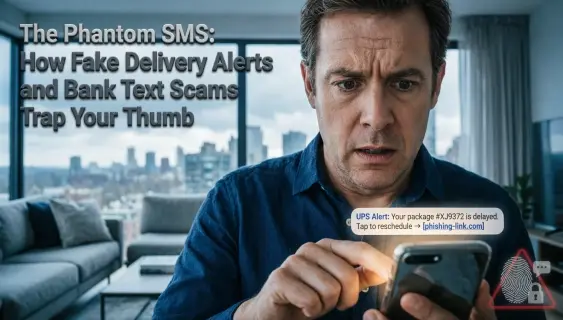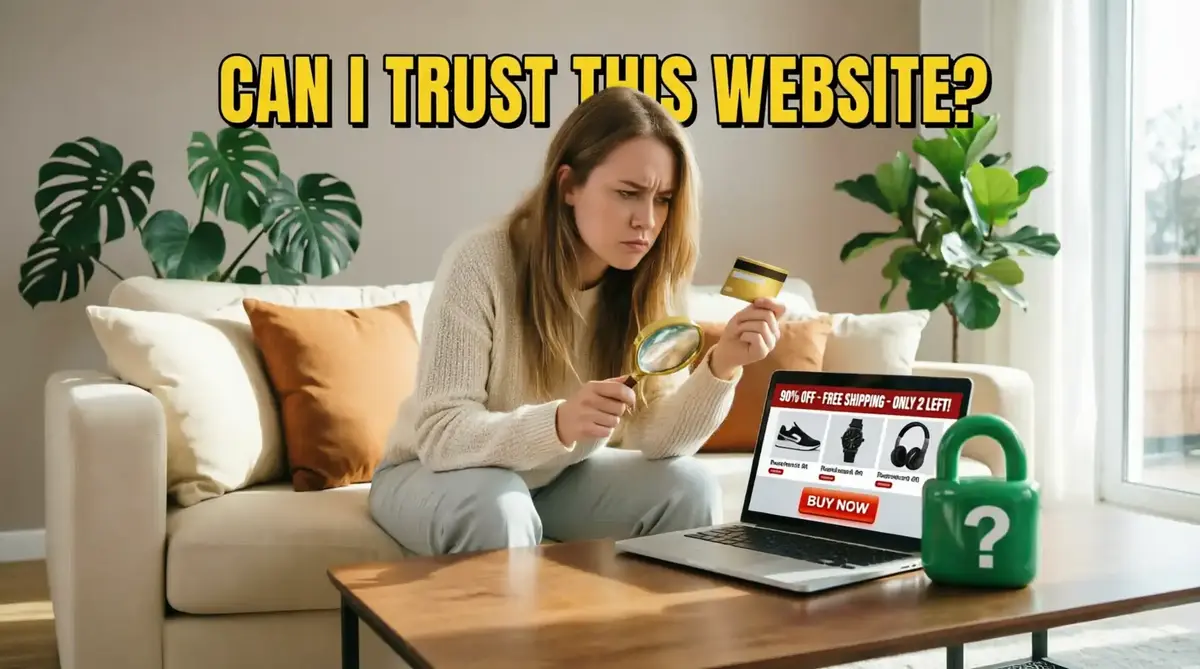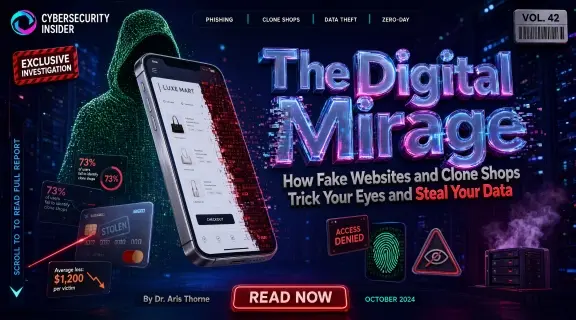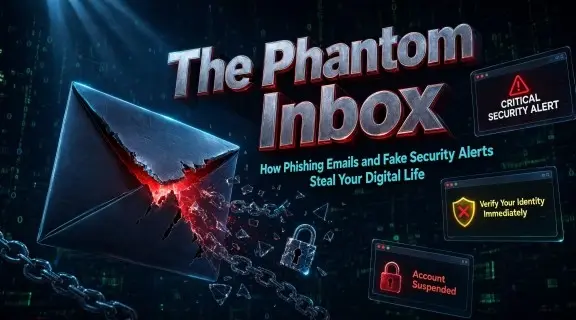
It starts with a quiet ping on your smartphone or a bold red badge in your inbox. The sender's name reads familiar: Netflix, PayPal, Microsoft, or your bank. The subject line demands immediate attention: "URGENT: Your account has been suspended due to unusual activity. Click here to verify your identity within 24 hours." Panic sets in. Your digital life flashes before your eyes. You rush to click the link. But stop right there. You have just stepped into the digital ghost town of email phishing.
"In the modern digital battlefield, the most lethal weapon is not malware—it is an email that masquerades as a friend in need or an authority demanding compliance." — The Narrator
The Anatomy of a Phantom Inbox: The Evolution of Phishing
As the narrator observing the hidden currents of cyber threats, I have seen email scams evolve from poorly translated messages with obvious spelling mistakes into hyper-realistic psychological operations. Today’s cybercriminals don’t just send random spam; they study corporate branding, replicate exact customer service templates, and exploit human psychology.
In Western markets across the US, UK, and EU, millions of emails cross servers every second. Among them, sophisticated spear-phishing campaigns target individuals and businesses alike. They use "domain spoofing" to make the sender address look identical to legitimate enterprises, tricking even tech-savvy professionals into handing over passwords, credit card numbers, and corporate credentials.
Act I: The Illusion – How Cybercriminals Clone Your Trust
The core of email fraud relies entirely on borrowing established trust. Scammers know you trust your bank, your streaming subscription, or your cloud storage provider. Therefore, they build digital replicas of these platforms inside your inbox.
Consider the story of Mark, a small business owner in Chicago, or Elena, a remote designer in Berlin. Both received notifications regarding an expired billing subscription or a locked Apple ID. The logos were crisp, the fonts matched corporate guidelines, and the tone was coldly professional. To the human eye, everything checked out.
However, beneath the surface cosmetic layer lay subtle technical flaws: a minor character substitution in the domain header (like support@app1e-security.com instead of apple.com), or hidden redirect links pointing to malicious offshore servers.
Act II: The Trap – Credential Harvesting and Malware Delivery
Once the victim clicks the embedded link, they are redirected to a pixel-perfect cloned landing page designed to capture their login details instantly. This is known as **Credential Harvesting**.
The mechanics behind these attacks typically follow two main routes:
- The Fake Login Portal: You type your password into what looks like your Outlook or Google sign-in page. The script records your credentials, logs you into a fake error screen, and hands your account over to automated hackers.
- The Poisoned Attachment: The email contains an invoice or secure document as a PDF or archive file. Once downloaded, it executes hidden macro scripts that install keyloggers or ransomware onto your system.
Act III: The Turning Point – Neutralizing Threats with Instant Verification
In every narrative of cyber threat, defense begins with exposure. When faced with an ambiguous, high-pressure email, smart users do not guess—they analyze the underlying technical infrastructure.
This is precisely why our platform includes an advanced **Email Scam Checker**. By pasting the suspicious email text, headers, or sender domain into our automated diagnostic engine, the system instantly inspects SPF, DKIM, and DMARC records, checks global blacklist databases, and exposes hidden phishing redirects before they can compromise your security.
🔍 Got a Suspicious Email? Test It Through Our Email Scam Checker Now
Key Indicators: How to Spot a Phishing Email Like a Cybersecurity Expert
To safeguard your personal inbox, corporate credentials, and financial accounts, commit these seven golden rules of email hygiene to memory:
- Generic Greetings: Legitimate corporations address you by your registered name. Generic openings like "Dear Customer," "Dear User," or "Valued Client" usually indicate mass phishing blasts.
- Unnatural Urgency & Fear Tactics: Scammers thrive on panic. If an email claims your account will be deleted, fined, or locked within hours unless you act, pause and verify independently.
- Mismatched Sender Addresses: Always look past the display name. An email claiming to be from Netflix with an address like
support@net-flix-billing-update.netis an obvious fraud. - Suspicious Hyperlinks: Hover your mouse cursor over any link inside the email (without clicking!). If the preview URL points to a strange, unrelated domain name, abort mission.
- Unexpected Attachments: Never open invoices, receipts, or shipping notifications from companies you haven't recently interacted with, especially if they end in
.zip,.exe, or macro-enabled Office files. - Grammar & Formatting Anomalies: While modern scammers use AI tools to improve writing, awkward phrasing, mixed font styles, and misaligned logos remain classic red flags.
- Requests for Financial Information: No legitimate bank or tech giant will ever request your PIN, full credit card details, or password via an email form.
Comparison Table: Legitimate Enterprise Emails vs. Phishing Traps
| Evaluation Metric | Legitimate Email | Phishing Email Scam |
|---|---|---|
| Sender Header Address | Stricts matches corporate domain (e.g., service@paypal.com). | Uses lookalike domains, free webmail, or character trickery. |
| Call to Action | Directs you to open your official app or log in via main browser. | Demands immediate click on direct login links or credential forms. |
| Personalization | Contains accurate account identifiers and personal names. | Uses generic terms like "Dear User" or vague account references. |
| Attachments | Standard PDF statements accessible securely inside portals. | Unsolicited ZIP, executable, or macro-heavy files. |
Conclusion: The Final Word from the Narrator
The digital inbox is your personal gateway to the world, but it is also a highway patrolled by unseen digital highwaymen. Never let fear or artificial urgency override your vigilance. Before you click a link, download an attachment, or surrender a password, verify the source.
The narrator leaves you with this timeless truth: In a world full of digital phantoms, data is the ultimate flashlight.